Clock in with a badge
Record an arrival or departure at a shared kiosk without taking out a phone.
Presenting a badge records an arrival or departure. From the kiosk screen, your team can also access Neoffice work sheets to choose an activity, start it and finish it.
Prototype in development. Demonstrations and installation reviews available on request.
Simulation using demonstration data. No real attendance records are sent to your company.
Record an arrival or departure at a shared kiosk without taking out a phone.
Find a work sheet or activity on screen before getting started.
Start and finish the selected work, with a visible confirmation for each action.
The workflow separates attendance at work from time spent on a work sheet or activity.
Presenting the badge records an arrival or departure according to the employee’s current status. The screen confirms the entry.
Use the “Work sheets” button to choose the relevant sheet and activity.
Start the selected work, then finish it when the activity is complete.
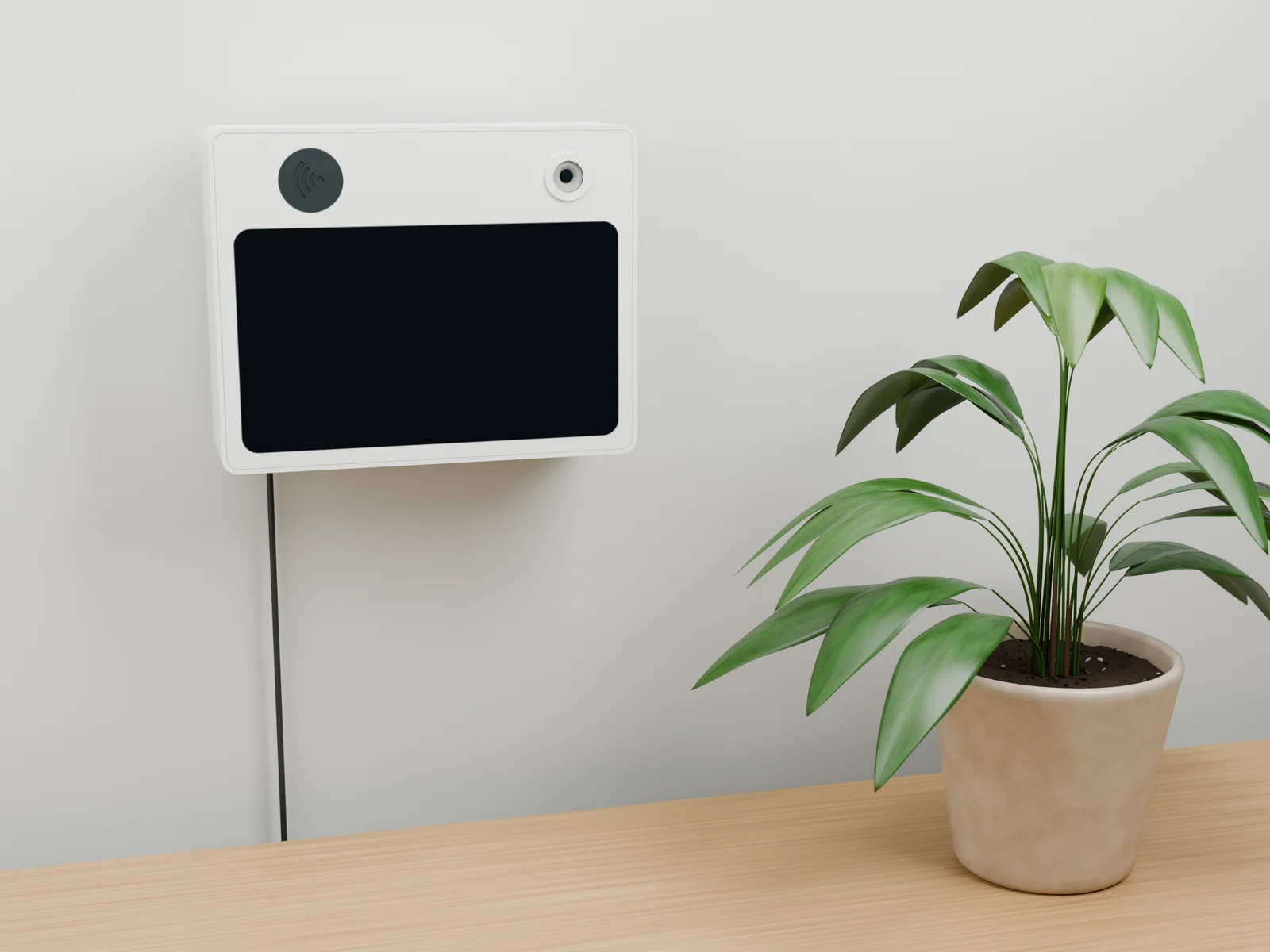
We plan the installation with you: location, badges, connectivity and the actions your team needs.
A shared touchscreen for attendance and access to the team’s work sheets.
Attendance and activity tracking fit into your Neoffice processes, according to the agreed configuration.
The prototype provides for Ethernet and a compatible PoE power supply to reduce cabling at the chosen location.
On a desk or mounted on a wall: component access and operating conditions are reviewed before installation.
It also supports work sheets: choose a sheet or activity, start the work and then finish it. Clocking in and out remains a separate workflow.
The demonstrated workflow uses an RFID badge and the kiosk’s shared screen. Badge assignments to employees are prepared as part of your Neoffice configuration.
The prototype provides for a desk stand or wall mounting. Location, Ethernet connectivity and PoE power are defined according to your setup before on-site trials.
The kiosk is currently presented as a prototype. We offer a demonstration and an installation review to define the hardware, trials and conditions for a possible rollout.
Tell us about your team, the intended location and the actions you need to record. Together, we will define the workflow and the trials needed.