Project management
From quote to completed work, keep pricing, tasks, hours, materials and invoicing in the same record.

One record for each project
Find the customer, the work to be done, the documents and the appointments in one place. The Pricing, Work, Finance and Actual & margin views let you move from detail to overview of the project.

A quote that describes the work
Build your line items or services with materials, hours by type of work and expenses. Prepare the quote with the level of detail your customer needs and reuse your templates for future projects.

From planned work to appointments
Organise the project's tasks, then schedule visits and teams. Workshop production and on-site installation can belong to the same project, each with its own planned time and its own tracking.

Hours and materials in the right place
Clocked time and materials used from work orders feed into project tracking. Compare quoted, scheduled and actual hours, as well as planned, allocated and consumed materials.

Invoicing adapted to the project
Prepare a final invoice, an advance invoice, progress billing or per-visit invoicing. Find invoices in preparation, amounts already invoiced and work still to be invoiced; you stay in control of validation and sending.

See variances before closing
Tracking compares the quoted hours and materials with what was actually used. Variances help you spot work that took too long, hours that ran over budget, or completed work still waiting to be invoiced.
From first contact to invoice
Open & price
Create the customer record and describe the work. Add materials, hours and expenses, then prepare the quote.
Organise & schedule
Break the work down into tasks and appointments. Define the teams and what is prepared in the workshop or carried out at the customer's site.
Carry out & track
The team clocks their time, records materials used and the progress of each task. You see the actual work reflected in the project.
Review & invoice
Check the variances and the items to be invoiced. Prepare the invoice according to the method agreed with the customer, then approve its sending.
Office, workshop and field in the same record
A project can bring together several ways of working without losing the link to what was sold to the customer.
A quote linked to the work: priced line items form the basis for organising tasks.
Coordinated teams: workshop work orders and field visits stay attached to the project.
Clear hours: time actually spent stays distinct from what you choose to invoice.
A financial view: pricing, costs, invoices and remaining amounts can be reviewed together.



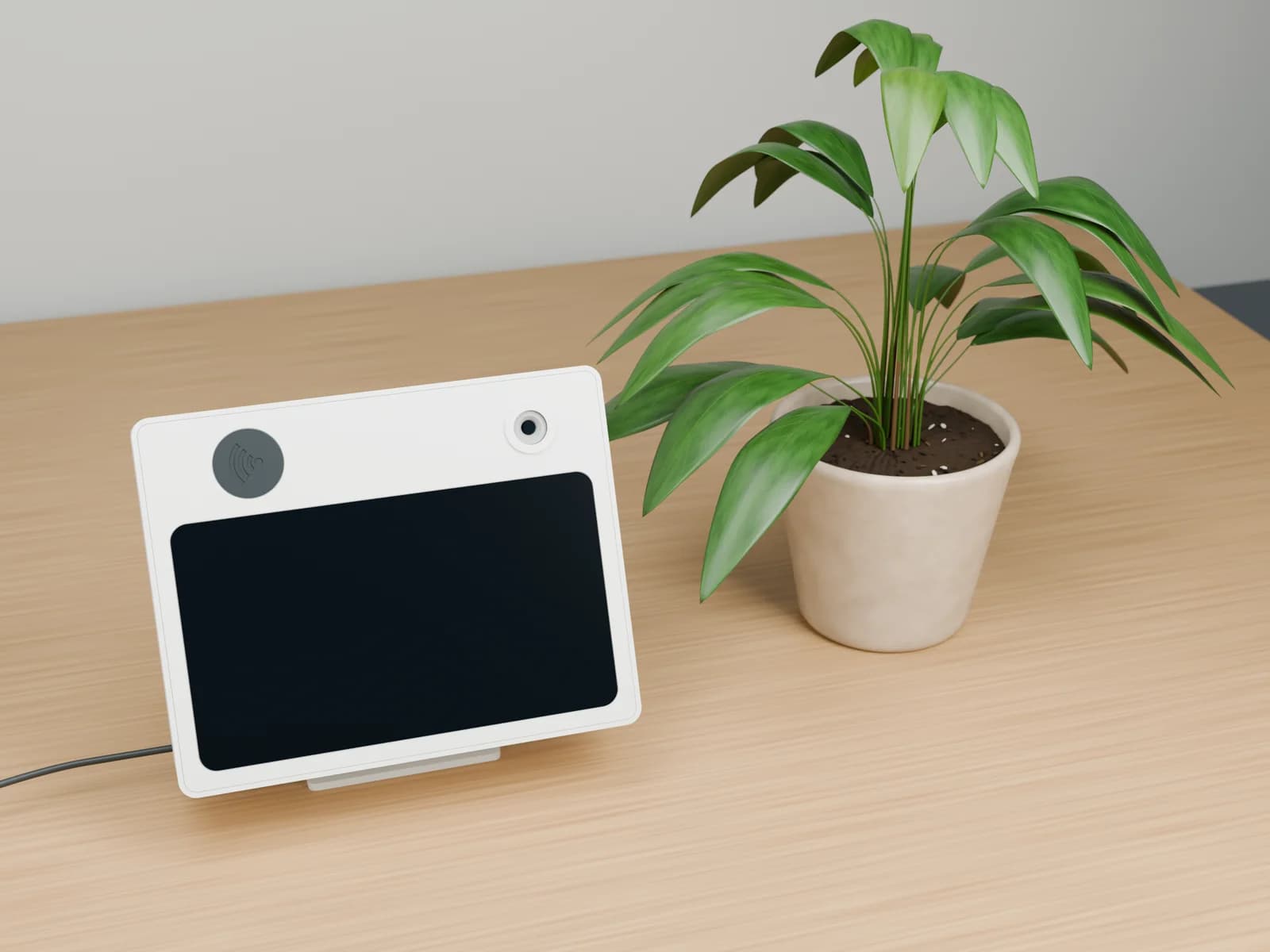
One kiosk to clock in and choose a work sheet
Use an RFID badge to clock in or out, then select a work sheet on screen and start or finish an activity. Explore the prototype; the workflow and connections to your HR and projects are scoped with your team.
Explore the kioskFrequently asked questions — Project management
Is this only for construction companies?
Can we invoice other than by clocked hours?
How can we track a project's profitability?
How should we prepare a demonstration for our trade?
Complementary modules

Workshop management
A work order tracks each manufacturing or repair job: tasks, parts to prepare, time spent and progress, through to the quote and invoice.
Learn more

Field service management
Prepare visits, organise teams and find the hours, parts used and travel needed for invoicing.
Learn moreWork sheets & working time
Prepare the work, assign your team, and track hours actually worked. Work sheets connect your projects, workshop, and field visits to the same tracking.
Learn moreInvoicing & Subscriptions
SIX-compliant QR invoices, recurring invoices, subscriptions, automatic reminders and bank reconciliation. All your Swiss invoicing in a single tool.
Learn moreLet's start with a real project
A quote, a team, a way of invoicing: let's see how to connect them in your daily work.
- A discussion about your business needs
- A scope tailored to your company
- Support with implementation


Hello! I'm Nora. You're viewing our Project management service. How can I help you?